A lot of websites have versions optimized for the smaller screens of mobile browsers. For example, the iPhone version of this blog looks like this:

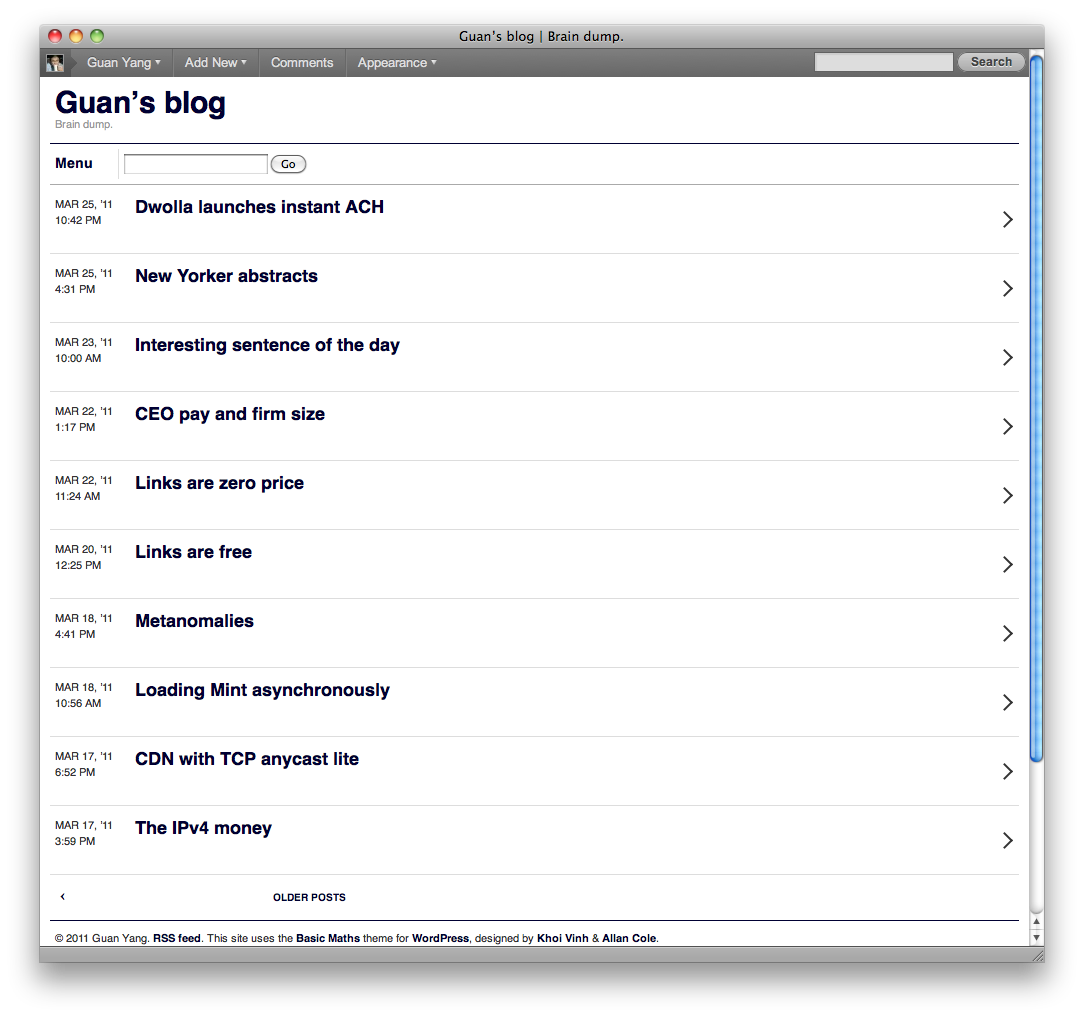
What’s even nicer is that WordPress and the Basic Maths theme I use can automatically detect that you are coming from an iPhone or other mobile browser and show this version. You’ll notice that it simply displays the mobile version, but the URL of the page is still http://guan.dk/. This means that I can send this link or tweet it to a person who would view it on a larger web browser, and they would get the standard version and would never know that I have a mobile version of the site. This is nice because the mobile version would look weird on a larger screen:
The wonderful blog Boing Boing also has a nice mobile version that iPhone and other mobile browsers are automatically shown:
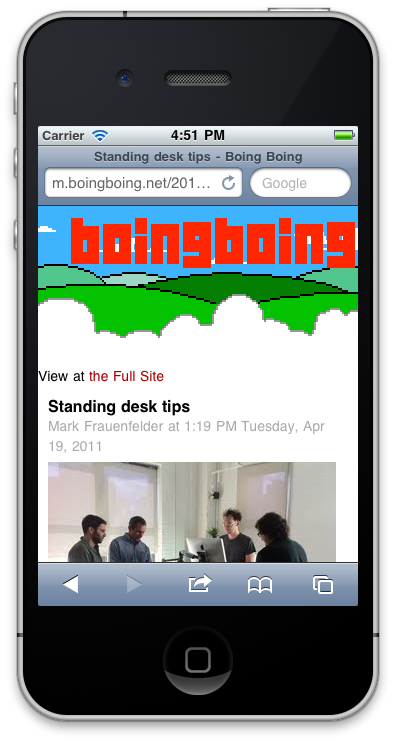
Unfortunately, they have implemented this by redirecting to m.boingboing.net, a separate domain name. This is not so annoying with the mobile version of a site like Facebook where users are less likely to share “deep” links, but there are two problems for content-based websites where users are likely to share links.
- It unnecessarily creates multiple URLs for the same resource, which makes it hard to detect that two links actually point to the same thing.
- When a mobile user shares the link in an email or tweet and a desktop user clicks on it, the desktop user is shown the mobile version:
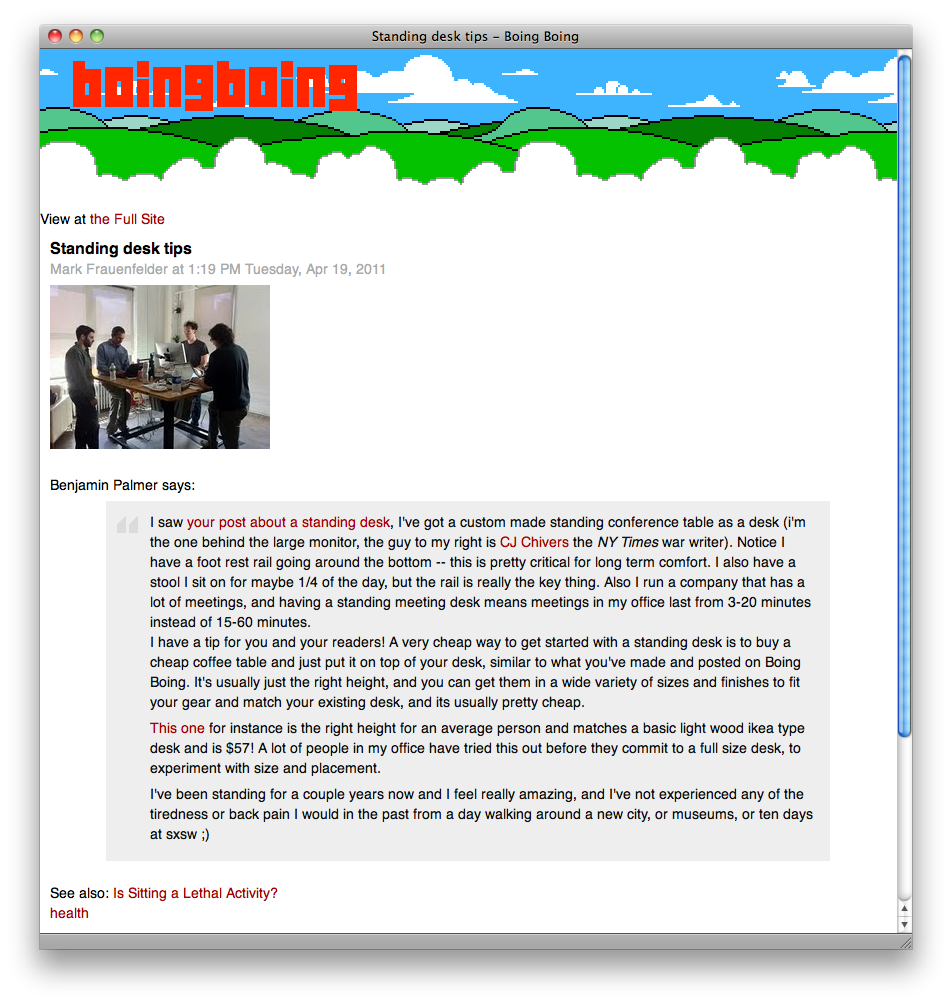
I know that there is an option to switch to the full site, but it’s still not nice. Boing Boing and other sites that do this should either display a mobile version without changing the domain name (but still retain an option to view the full site), or change their software’s default behavior to redirect desktop users to the full site.